
Trackers blocked
uBlock Origin is built in and always on. Telemetry is switched off.
Windows browser · built on LibreWolf
A privacy-first browser with tracker blocking, automatic cookie-banner rejection, an optional browser-only WireGuard VPN and a set of offline apps — no admin rights needed.
Version 41 · Windows
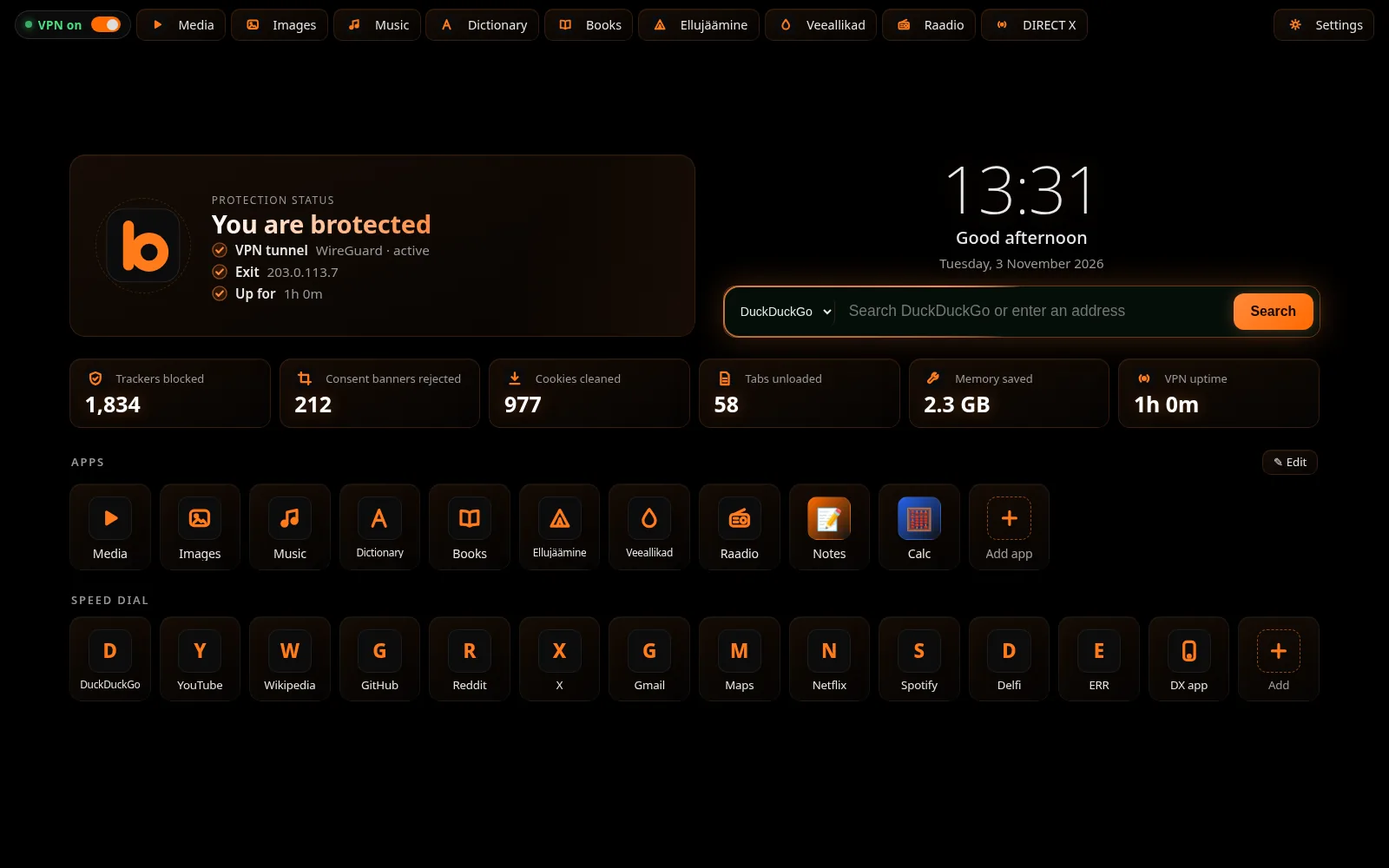
uBlock Origin is built in and always on. Telemetry is switched off.

Cookie pop-ups are answered with “reject” automatically, so you just read the page.

Site cookies are removed when its last tab closes or the browser exits — except sites on your keep list.

Idle tabs are unloaded after a set time to give memory back.

Press Ctrl+K on any page to jump to tabs, apps and actions.

Keep sites apart in containers and choose which ones always open in compatible mode.
Every app opens from the start page. Most keep working without a connection.

An offline library of your audio and video files. Stream, edit titles and thumbnails, or open in your system player.

Your pictures in one fast, local gallery.

A local music library with its own player.

Translate, look up words from Wiktionary data and keep a phrasebook and history.

A read-only Book Library from your Documents folder. PDFs open in the built-in reader.

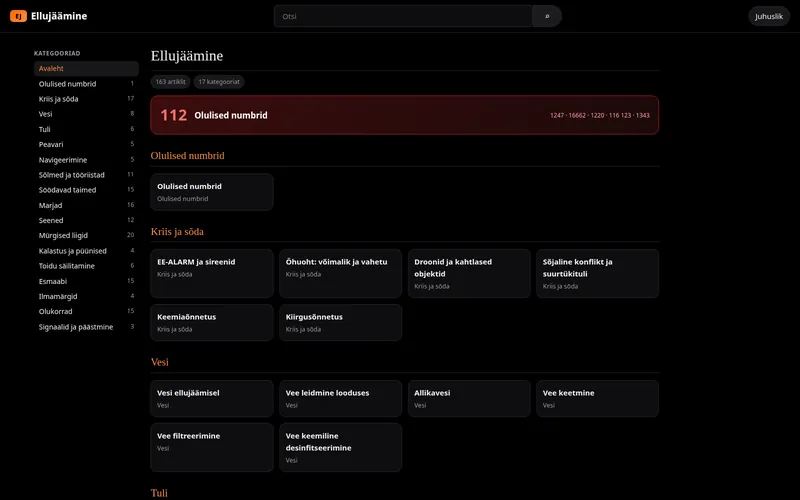
An offline Estonian emergency and survival guide with around 222 articles and the 112 emergency number.

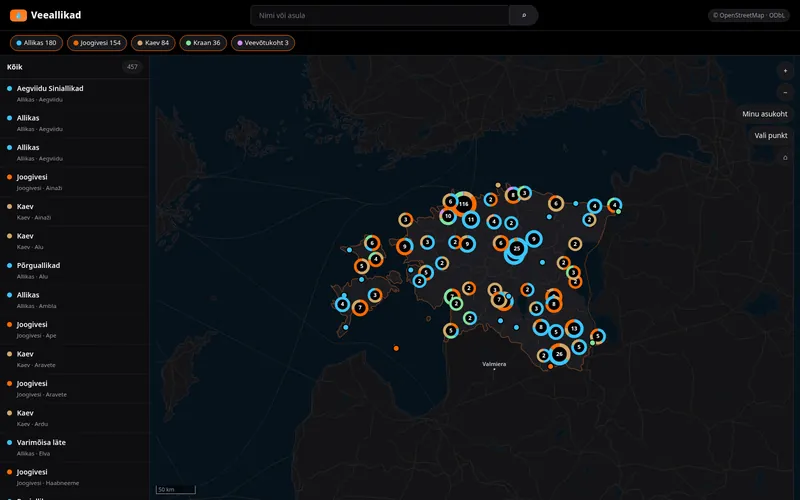
Estonian springs and water points from OpenStreetMap on an offline map.

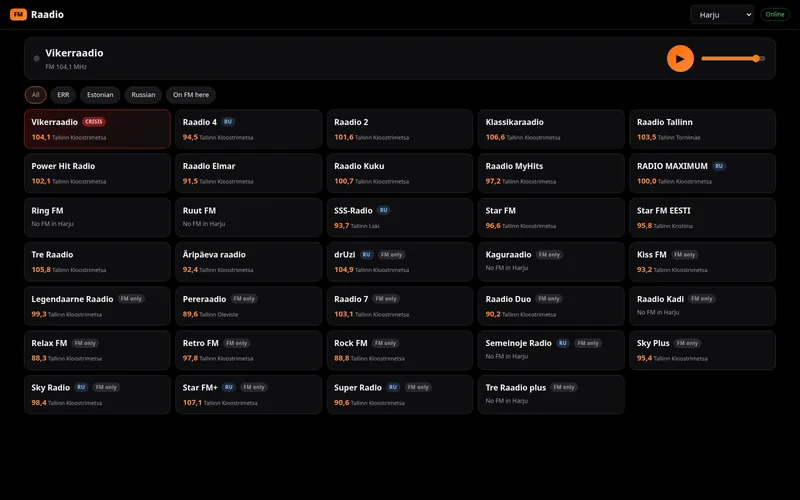
Estonian radio stations with automatic reconnect.

A nearby feed and chat with phones over Bluetooth — no internet needed.

An optional WireGuard tunnel runs through a local SOCKS5 proxy just for Brouser. Your system network settings are not touched. It is off by default; the tray icon turns green when connected and red when off.
uBlock Origin ships enabled and cannot be switched off by accident. Telemetry is disabled.
Cookie consent dialogs are rejected for you, and site cookies are cleaned when you leave.
Dictionary, survival guide, water map, books and your media libraries live on your computer.
DIRECT X Nearby talks to phones over Bluetooth with an encrypted handshake: ECDH P-256 key agreement, AES-256-GCM with padding, a signed hello and trust-on-first-use pinning of each device identity. Logs record only message type and size.
Pair your phone with Brouser over Bluetooth and share posts and messages with people nearby. Get the phone app at directx.click.
A small web installer downloads the latest verified packages.
Download BrouserYes. Download and use it at no cost.
Windows. Installation goes into your user folder and does not need administrator rights.
No. The VPN is off until you turn it on, and it needs a WireGuard configuration. See the VPN docs.
Yes, it is built on LibreWolf, a privacy-focused Firefox fork, so Firefox extensions and web compatibility carry over.
The launcher checks for a new version, downloads packages only from allowed addresses, verifies their SHA-256 hash and applies them on the next restart.
No. Nearby messaging runs over Bluetooth between your PC and phones.